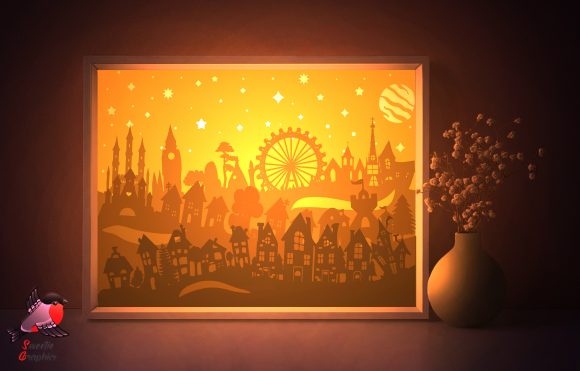
City Town Silhouette Lightbox Template
Create Cozy Ambiance with a Custom Paper Lightbox
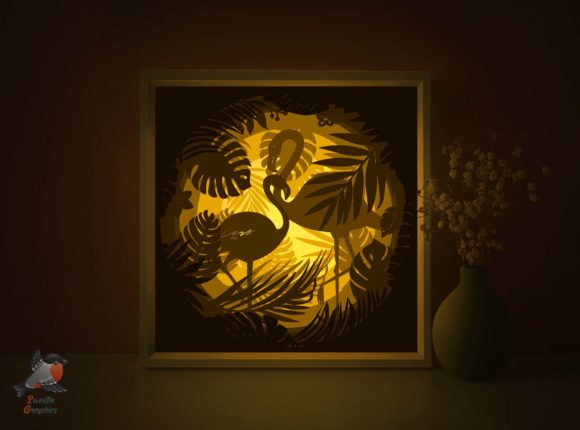
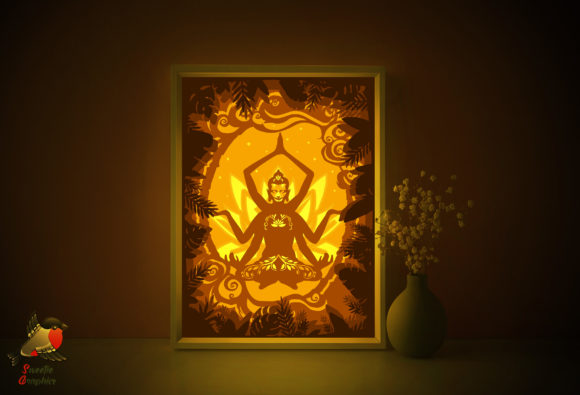
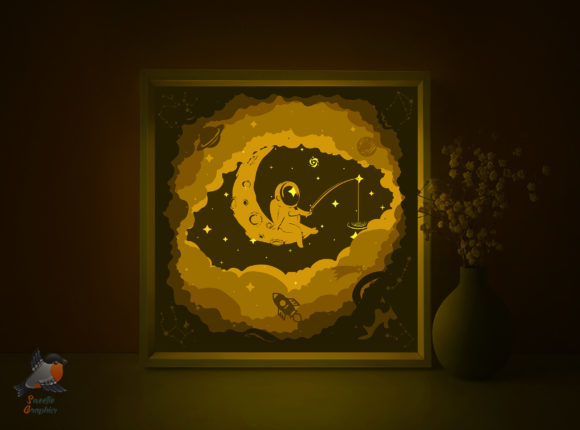
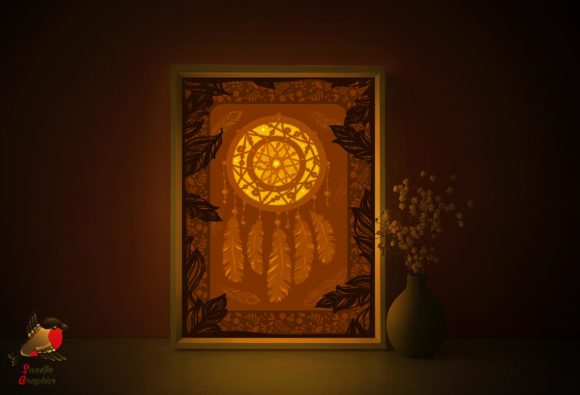
The City Town Silhouette Lightbox Template is a versatile digital design that empowers creators to craft a unique, multi-layered lightbox using paper. When assembled and illuminated, this shadowbox casts soft, warm silhouettes of cityscapes or townscapes, instantly transforming any room into a peaceful, artistic space. Whether you're a hobbyist, designer, or small business owner, this template offers a hands-on, customizable way to blend creativity with functionality.
Why This Template Stands Out
Unlike generic paper crafts, the City Town Silhouette Lightbox Template is designed with precision and flexibility in mind. It includes multiple file formats—PDF, SVG, EPS, PNG, and AI—making it compatible with both hand-cutting and machine-cutting tools. The layered design allows for depth and dimension, giving your final piece a professional, polished look. The result is more than just a craft project; it's a statement piece that adds warmth and personality to any environment.
Who Can Benefit from This Template
This template is ideal for a wide range of users:
- Designers looking for printable, editable assets to integrate into client projects.
- Bloggers and content creators who want to add a unique visual element to their space or photo setups.
- Educators crafting classroom decorations or STEAM-based activities.
- Entrepreneurs creating handmade products for sale or branding.
- Hobbyists seeking a relaxing, rewarding DIY project.
How to Use the Template: A Step-by-Step Overview
To get started, you'll need a printer, an art knife or precision cutter, and four sheets of 180–250gsm paper. The ZIP file includes two main sizes—A4 (210x297 mm) and A3 (297x420 mm)—but you can scale the design to fit your needs. Here's a simplified process:
- Download and extract the ZIP file.
- Select your preferred file format (PDF for printing, SVG/EPS for cutting machines, etc.).
- Print the layers on the back of your chosen paper for a cleaner finish after cutting.
- Carefully cut each layer using an art knife or electronic cutting tool.
- Assemble the layers inside a lightbox frame, aligning them for depth and visual impact.
- Add a light source behind the final panel to cast the silhouette effect.
Customization Tips for Unique Results
One of the strengths of the City Town Silhouette Lightbox Template is its adaptability. You can:
- Swap the cityscape for a forest, mountain, or coastal scene by editing the AI or SVG files.
- Experiment with paper colors to create contrast or mood—try dark blues for a night city view or warm ochres for a sunset glow.
- Layer with textures like vellum or translucent paper to soften the light or add visual interest.
- Incorporate typography or quotes by adding text layers in your design software before printing.
Practical Applications Across Industries
While the City Town Silhouette Lightbox Template is a decorative craft, it also has practical applications across different fields:
- Interior Design: Use the lightbox as a statement wall piece or nightlight in a modern or minimalist room.
- Marketing & Branding: Create branded lightboxes for product photography, pop-up events, or retail displays.
- Education: Teachers can use the template to illustrate geography lessons or as a hands-on art project.
- Content Creation: Photographers and bloggers can use the lightbox as a soft, artistic backdrop for lifestyle or product shots.
- Gift Making: Customize the design to reflect a loved one's favorite city or memory, turning it into a personalized gift.
How to Scale the Template for Different Uses
Because the template includes scalable vector formats (SVG, EPS, AI), you can resize it for various applications without losing quality. Here are a few ideas:
- Mini versions (scaled down to 10x15 cm) for desk lamps or nightlights.
- Poster-sized prints for event backdrops or gallery walls.
- Modular sets where multiple lightboxes are arranged together to form a larger scene.
Designing for Different Audiences
Whether you're creating for personal use or a specific audience, consider how to tailor the design:
- For Children: Simplify the cut lines or use bolder, more cartoonish silhouettes to make the project easier and more engaging.
- For Professionals: Use high-quality paper and a sleek frame to create a refined, gallery-ready piece.
- For Commercial Use: Add logos or branding elements to the design and offer it as a custom product or service.
Tools and Materials You’ll Need
While the template is digital, assembling the lightbox requires physical materials. Here’s a list to get started:
- A printer (inkjet or laser)
- Art knife or precision cutter
- Ruler or cutting mat
- 180–250gsm paper (cardstock or heavy photo paper works well)
- Lightbox frame or LED panel (can be purchased or DIY)
Optional but recommended:
- Design software (like Adobe Illustrator or Inkscape) for customization.
- Vellum or translucent paper for layered effects.
- Frame or shadowbox for final display.
How to Maintain Visual Clarity and Quality
To ensure your lightbox looks clean and professional:
- Use a sharp blade and take your time with intricate cuts.
- Print on the back of the paper to avoid visible ink lines on the front.
- Align each layer carefully when assembling to maintain depth and perspective.
- Choose a consistent light source—LED strips or a soft white bulb work best for even illumination.
Exploring Variations and Styles
Don’t feel limited to the original cityscape theme. The structure of the City Town Silhouette Lightbox Template makes it easy to reinterpret the design:
- Retro or Vintage Style: Use sepia-toned paper or add aged textures to the layers.
- Modern Minimalist: Stick to black and white with clean, geometric silhouettes.
- Fantasy or Sci-Fi: Design alien cities, castles, or futuristic skylines using the editable AI files.
- Nature-Inspired: Replace buildings with trees, mountains, or ocean waves for a calming, natural glow.
Final Thoughts: A Creative Tool with Lasting Value
The City Town Silhouette Lightbox Template is more than a downloadable file—it's a creative toolkit that opens the door to personal expression, professional use, and thoughtful gift-giving. Whether you're looking to enhance your workspace, create a custom product, or simply enjoy a mindful crafting session, this template offers a flexible, rewarding experience. With the right materials and a bit of imagination, you can bring your own version of a glowing cityscape to life, one cut at a time.