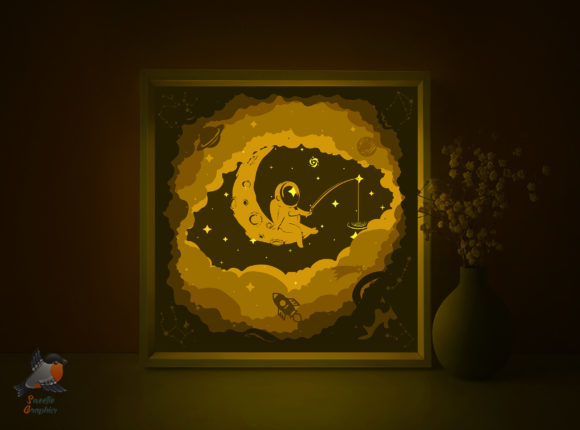
Spaceman Cosmonaut Lightbox Template: A Creative Way to Add Warmth to Your Space
Understanding the Spaceman Cosmonaut Lightbox Template
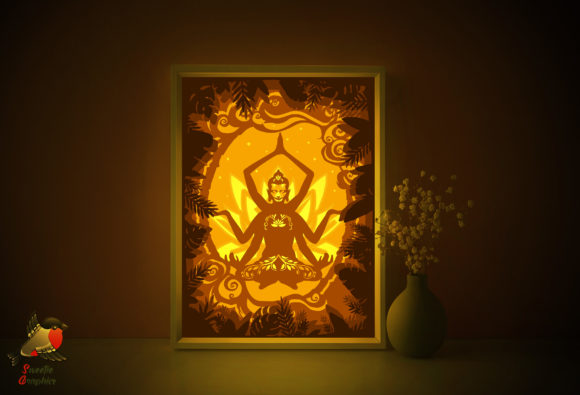
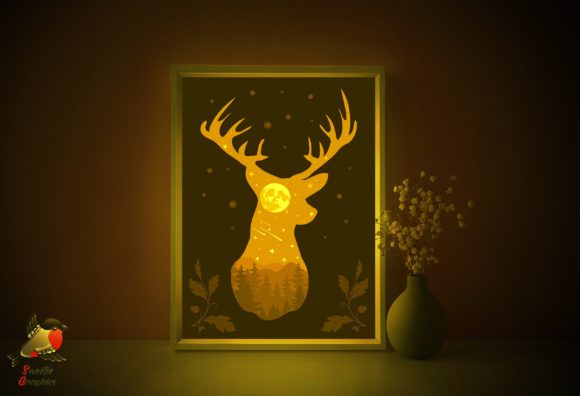
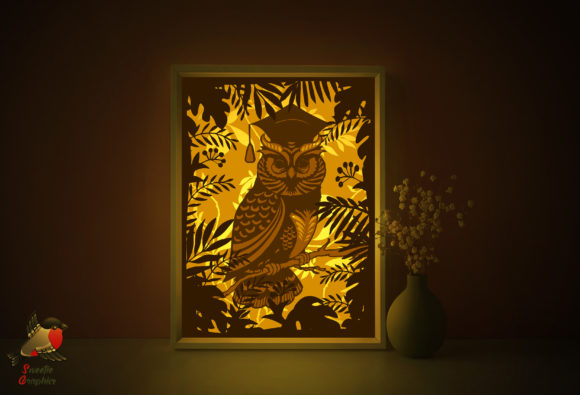
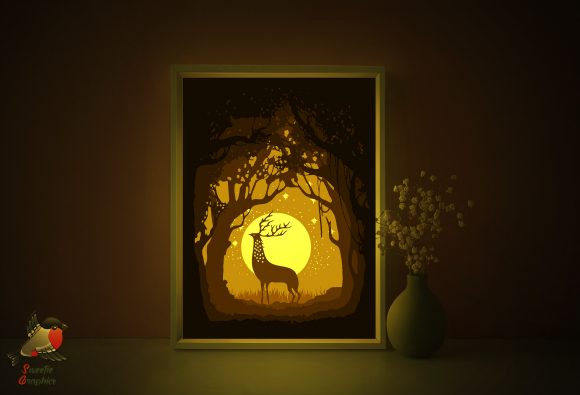
The Spaceman Cosmonaut Lightbox Template is a digital papercraft design that allows you to create a multi-layered shadowbox lightbox. With six layers of detailed paper cutouts, this template brings a whimsical and cozy glow to any room. Whether you're a hobbyist, creator, or small business owner, this project offers a satisfying blend of craftsmanship and interior decor.
Designed for both hand and machine cutting, the template includes SVG, EPS, PDF, and PNG formats to suit various cutting tools and preferences. The final assembled lightbox measures 220x220 mm, but it's fully scalable to fit your preferred paper size. The package also includes editable AI files and decorative illustrations, making it ideal for personalization or small-scale creative businesses.
Common Mistakes and How to Avoid Them
While the Spaceman Cosmonaut Lightbox Template is beginner-friendly, there are a few common pitfalls that can affect the final result. Being aware of these can save you time, materials, and frustration.
Mistake #1: Printing on the Wrong Side of the Paper
One of the most overlooked details is printing on the correct side of the paper. The instructions clearly state that you should print on the back of the paper to ensure clean, visible lines after cutting. Skipping this step can lead to faded or misaligned graphics, especially with layered designs.
Better Approach: Always test with a single sheet first. Print a sample layer on the back of your paper to check how the design appears once cut and lit. This helps avoid costly mistakes with heavier cardstock or specialty paper.
Mistake #2: Using the Wrong Paper Weight
Choosing paper that's too thin can result in warped or flimsy layers that don’t hold up well under light or glue. On the other hand, using overly thick paper can make cutting more difficult, especially if you're using scissors or a manual craft knife.
Better Approach: Stick to the recommended 180–250gsm paper weight. This range offers the perfect balance between durability and ease of cutting. If you're unsure, test with a mid-range 200gsm paper first before committing to a full print run.
Mistake #3: Skipping the Mock-Up
Many users jump straight into cutting and assembling without a trial run. This can lead to alignment issues, incorrect layer spacing, or even missing components in the final build.
Better Approach: Assemble a mock-up using plain paper before cutting your final materials. This lets you spot any design or fit issues early and make adjustments to spacing or alignment.
Choosing the Right Materials for Assembly
The Spaceman Cosmonaut Lightbox Template requires more than just printed layers. To complete the project, you'll need a foam board base, an LED strip with a power supply, a box with a lid and frame, and either glass or plastic for the front panel.
Common Oversight: Underestimating the Quality of Light
Some users assume any LED strip will work, but the color temperature and brightness can drastically affect the visual impact of the shadowbox. Cool white LEDs may wash out the colors, while warm white lights enhance the cozy, vintage feel.
Better Choice: Opt for dimmable warm white LED strips with a color temperature around 2700K–3000K. This creates a soft, inviting glow that complements the spaceman theme and enhances the depth of the layered design.
Mistake #4: Poor Layer Alignment
Each of the six layers must align precisely to create the intended depth and visual effect. Misaligned layers can make the design look distorted or flat under light.
Solution: Use small alignment tabs or registration marks when printing and assembling. You can also add light pencil marks on the foam board to guide each layer’s placement. Taking time to align each layer properly ensures a polished, professional result.
Before You Download: What to Check
If you're considering downloading the Spaceman Cosmonaut Lightbox Template, here are a few key points to verify before making your purchase:
- File formats included: Make sure the download includes all the formats you might need (PDF, SVG, EPS, PNG, AI).
- Print dimensions: Confirm the original size and whether it can be resized without losing detail.
- Layer count: The template includes six layers, so ensure the file structure is clearly labeled for easy assembly.
- Instructions: Look for a Readme file or included guide that explains assembly steps and material recommendations.
Maximizing the Value of Your Template
Whether you're using the Spaceman Cosmonaut Lightbox Template for personal decor or to create custom gifts, there are ways to get more out of your purchase.
Idea: Customize the Design
Since the template includes editable AI files, you can personalize the spaceman theme with names, dates, or other decorative elements. This makes it ideal for special occasions like birthdays, anniversaries, or as a unique home decor item for space enthusiasts.
TIP: Batch Production for Small Businesses
If you're a small business owner or Etsy seller, consider making multiple lightboxes at once. Printing and cutting several sets together can streamline the process and help you scale your production without increasing labor time dramatically.
Final Thoughts
The Spaceman Cosmonaut Lightbox Template offers a creative and rewarding project for crafters of all levels. With attention to detail, proper materials, and a few smart planning steps, you can create a stunning lightbox that adds warmth and personality to any space. By avoiding common mistakes and understanding what to look for before downloading, you’ll ensure a smoother, more satisfying crafting experience.