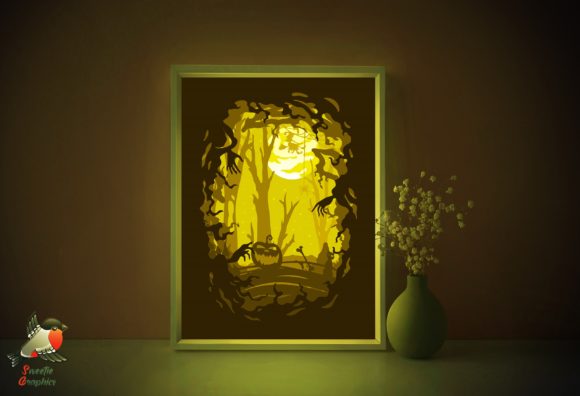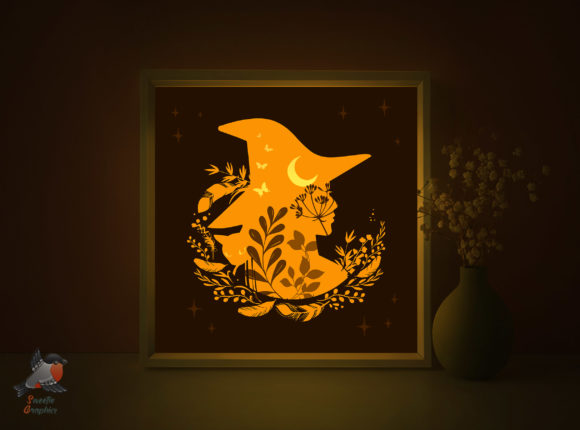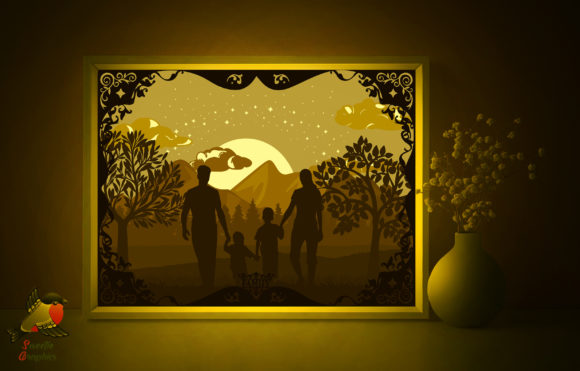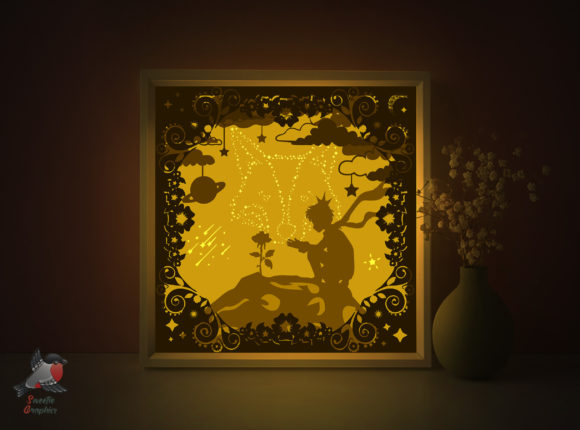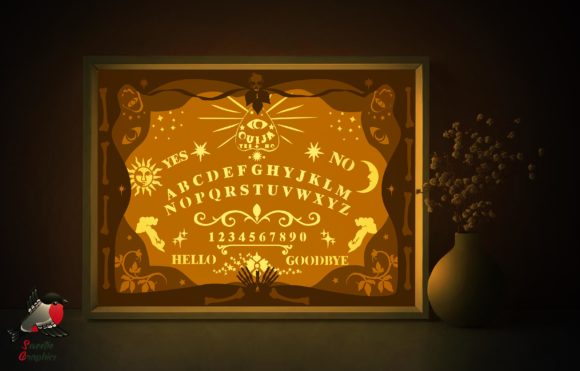
Ouija Board Halloween Light Box Template
Create Spooky Ambiance with a Custom Lightbox
Transform your space into a mysterious, glowing Halloween scene with the Ouija Board Light Box Halloween Template. This downloadable papercraft design lets you build a layered lightbox that casts enchanting shadows and adds a warm, eerie glow to any room. Whether you're a seasoned crafter or a beginner looking for a creative weekend project, this template offers an accessible and stylish way to decorate for the season.
What’s Included in the Template
The Ouija Board Light Box Halloween Template comes as a ZIP file with multiple formats to suit your preferred cutting and printing method. Inside, you'll find:
- PDF files for A3 and A4 printing
- SVG and EPS files for machine cutting
- PNG files for digital previews and layer alignment
- AI files for advanced editing
- JPG illustrations for inspiration and reference
- A Readme file with setup and assembly instructions
Each lightbox is made from three layers of paper, printed on 180–250gsm cardstock for durability and visual depth. For best results, print on the back of the paper to ensure clean, sharp cuts and a polished final look.
How to Make Your Lightbox
Creating your own Ouija Board Light Box is a rewarding and creative process. Here's a quick overview of the steps:
- Download and print the template at your preferred size (A4 or A3).
- Cut each layer using scissors or an art knife. The smooth lines make it easy to follow the design.
- Assemble the layers in order, aligning them carefully for a cohesive shadow effect.
- Mount the layers inside a lightbox frame or behind a translucent cover.
- Add a light source such as LED strips or a small lamp to illuminate your design.
This project is perfect for crafters who enjoy precision and detail. It also makes a great collaborative activity for friends or family looking to get into the Halloween spirit.
Customizing the Design for Different Styles
While the Ouija Board Light Box Halloween Template has a spooky, mystical theme, you can adapt it to match your personal style or event needs. Consider these variations:
- Color palette – Use colored paper or ink to create a more vibrant or moody effect.
- Layering techniques – Experiment with layer depth or add translucent paper for ghostly effects.
- Thematic changes – Swap out the Ouija board elements for other Halloween icons like bats, ghosts, or haunted houses.
- Seasonal reinterpretation – Reuse the lightbox structure for other holidays by changing the printed layers.
Designers and bloggers can use the template as a base for creating themed content, while educators can incorporate it into seasonal classroom activities that blend art and storytelling.
Perfect for Halloween Decor and Beyond
Whether you're decorating your home, office, or a themed event space, this lightbox adds a touch of handmade charm. Here are a few ways to use it:
- Home decor – Place on a mantel, shelf, or nightstand for a soft, ambient glow.
- Party ambiance – Use multiple lightboxes to create a cohesive visual theme at a Halloween gathering.
- Photography props – Incorporate into styled shoots or seasonal photo backdrops.
- Gift idea – Assemble and gift as a personalized decoration for friends or family.
Small business owners and Etsy sellers can also use this template to create and sell custom lightbox kits or finished products, offering a unique seasonal item with broad appeal.
Practical Tips for Best Results
To ensure your lightbox looks professional and functions well, keep these tips in mind:
- Use quality paper – Choose 180–250gsm cardstock for durability and a clean finish.
- Cut carefully – Take your time with detailed areas to maintain the integrity of the design.
- Test the layout – Before gluing layers together, arrange them under a light source to preview the shadow effect.
- Secure layers properly – Use thin foam dots or spacers between layers to enhance depth and avoid warping.
- Choose the right lighting – LED lights are ideal for safety and a soft glow. Battery-powered options offer flexibility in placement.
These small details can make a big difference in how your lightbox looks and functions. Taking the time to refine each step will result in a more polished and visually engaging piece.
Who Can Benefit from This Template
This lightbox design is versatile enough to appeal to a wide range of creators and users. Here’s how different audiences can make the most of it:
- Crafters and hobbyists – Enjoy a hands-on project with clear instructions and scalable difficulty.
- Designers and bloggers – Use it as a featured DIY project or part of seasonal content.
- Entrepreneurs and sellers – Offer assembled kits or finished pieces as seasonal merchandise.
- Educators – Incorporate into art or literature lessons with a thematic twist.
- Event planners – Use multiple lightboxes to enhance decor at Halloween parties or themed events.
Whether you're making it for personal enjoyment or professional use, the Ouija Board Light Box Halloween Template offers a flexible and engaging creative opportunity.